Poster POD. Drafted automatically.
Every finished poster job hits this Make.com webhook and lands as a draft Etsy physical listing — mockups, video, and print file attached, shipping profile wired. Import once. Swap one profile ID. Paste one URL. Done in 20 minutes.
- For poster POD
- Listing type = physical
- Shipping profile auto-attached
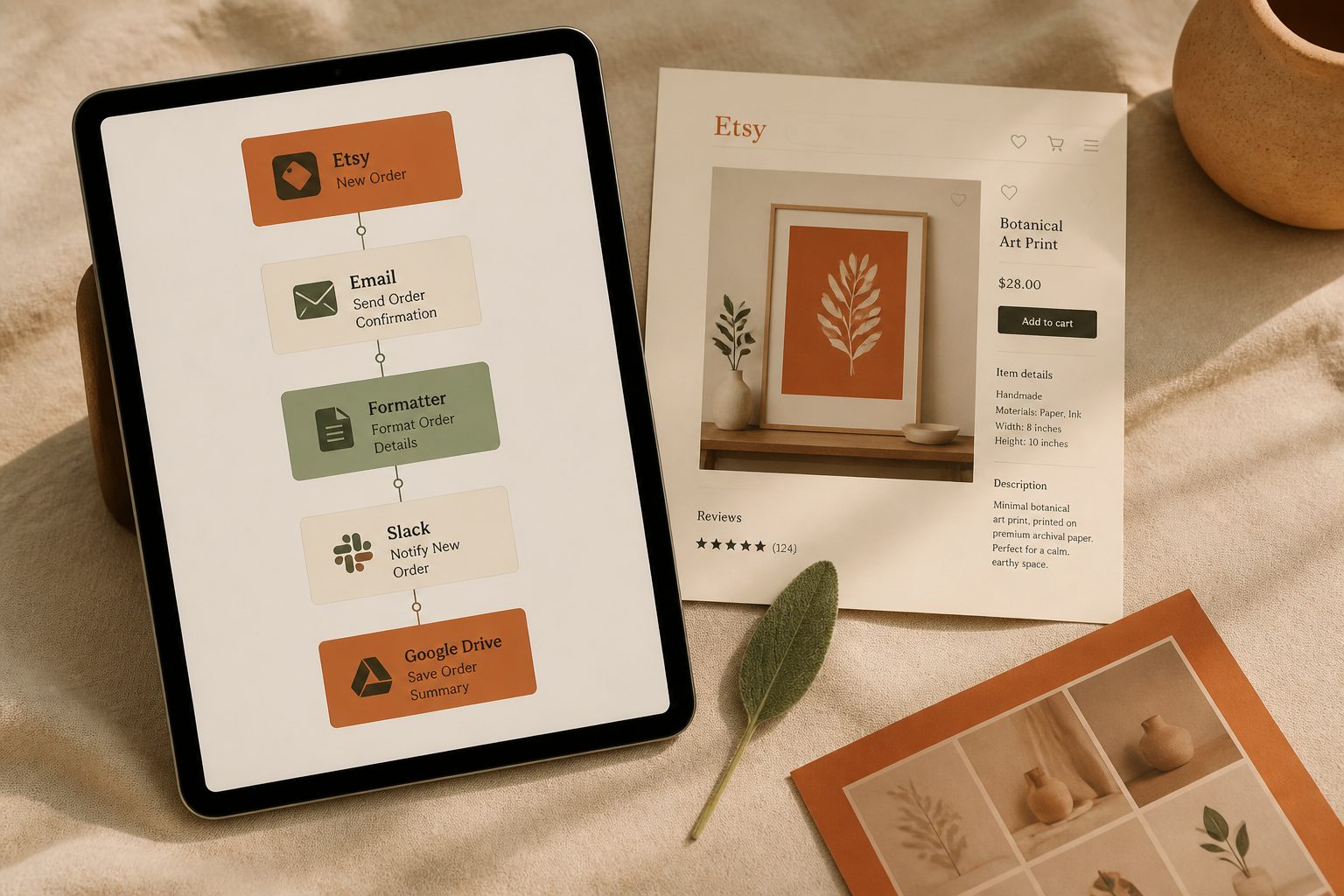
What ships
Mockups · video · print file
Five steps. About 20 minutes.
Open the shared blueprint
Open the shared scenario link in your browser while signed into Make.com. Click "Create scenario". A free Make.com account works.
Connect Etsy
The blueprint uses one connection: Etsy. Click each greyed module and authorise Make.com against the Etsy shop you'll publish posters in. Same connection is reused across every Etsy module in the flow.
Swap the shipping profile ID
Open the Etsy: Create Listing module. The shipping_profile_id field is hardcoded to a placeholder. Replace it with YOUR own Etsy POD shipping profile ID. (Find it in Etsy → Shop Manager → Settings → Shipping → click the profile → URL ends with the numeric ID.) Without this swap, every run will fail.
Copy the webhook URL
Click the first module (Custom Webhook) → Copy address to clipboard. This URL is the address Ratio Ready will POST finished poster jobs to.
Paste the webhook into Ratio Ready
In your Ratio Ready dashboard, go to Profile → Integrations → Make.com webhook (Poster POD). Paste the URL. Save. Activate the scenario in Make.com. Upload one poster at app.ratioready.com — a draft physical listing with shipping profile attached appears in your Etsy shop within 1–2 minutes.
Shared blueprint link
Open while signed into Make.com — clones the scenario into your workspace.
https://eu2.make.com/public/shared-scenario/WA3yVEQuO9I/ratio-ready-etsy-listing-print-on-demanCritical — don't skip
Swap the shipping profile ID before activating
The shared blueprint ships with a placeholder shipping_profile_id from Mac's test shop. Etsy will reject every draft until you replace it with one of your own.
Where to find yours
- Etsy → Shop Manager → Settings → Shipping settings
- Click the shipping profile your POD partner (Printify, Printful, Gelato…) is set up to use
- The browser URL bar now ends in a numeric ID — that's your shipping_profile_id
- In Make.com, open the Etsy: Create Listing module → paste the number into shipping_profile_id → Save
What runs, in order
- 01
Custom Webhook (trigger)
Receives the JSON payload Ratio Ready posts when a poster job finishes — copy, tags, mockup image URLs, video URL, print-file URL.
- 02
Etsy: Get My Profile
Pulls your shop_id once per run so subsequent Etsy calls know where to write.
- 03
Etsy: Create Listing (draft, physical)
Creates the draft with type = physical, who_made = collective, when_made = made_to_order, and shipping_profile_id = your own POD profile (the value you swapped in step 3 of setup).
- 04
Router — three parallel paths
All three run after Create Listing succeeds: (a) image loop, (b) video upload, (c) print-file upload.
- 04a
Image loop ×20
Iterates over up to 20 mockup URLs from Ratio Ready (framed poster mockups, lifestyle scenes, scale shots). Each pass: HTTP download → Etsy upload image. Sleeps between calls to respect Etsy's rate limit.
- 04b
Video upload
Downloads the 15-second 1:1 listing video and POSTs to Etsy's `/listings/{id}/videos` endpoint.
- 04c
Print-file upload
Downloads the print-ready poster file (300 DPI, 2:3 or 3:2) from Ratio Ready and POSTs to Etsy's `/listings/{id}/files` endpoint. Your POD app reads this file when a buyer orders.
Where to paste the URL
1. In Make.com
Open the scenario → click the first module (Custom Webhook) → click Add if no webhook exists yet, name it (e.g. "Ratio Ready — Poster POD") → click Copy address to clipboard.
2. In Ratio Ready
Sign in at app.ratioready.com/profile → Integrations section → Make.com Webhook (Poster POD) → paste → Save. Ratio Ready now POSTs every finished poster job here. (You can wire the digital-download webhook in the same panel — they're separate fields, separate scenarios.)
3. Confirm with a test job
Process one poster at app.ratioready.com. Watch the scenario light up in Make.com's run history. A draft physical listing appears in Etsy within 1–2 minutes with your shipping profile attached.
What you'll pay per automated poster listing
| Cost line | Per poster listing |
|---|---|
| Ratio Ready credits | 40 cr |
| $ on Pro plan (1.0¢/credit) | $0.40 |
| Make.com ops/run | ~25 |
| Make.com cost (free tier) | $0 |
| Total per listing | $0.40 |
Free Make.com tier (1,000 ops/month) covers ~40 automated poster listings/month. Ratio Ready new accounts get 75 free credits — enough for two automated poster listings end-to-end.
Questions
Stop drafting posters manually. Wire the webhook.
Free Make.com tier. 75 free Ratio Ready credits on signup. One Etsy connection, one shipping profile ID, one webhook URL — and every poster job becomes a draft physical listing.