- Instant email delivery
- Works in Photoshop and free Photopea
- Secure checkout by Fungies
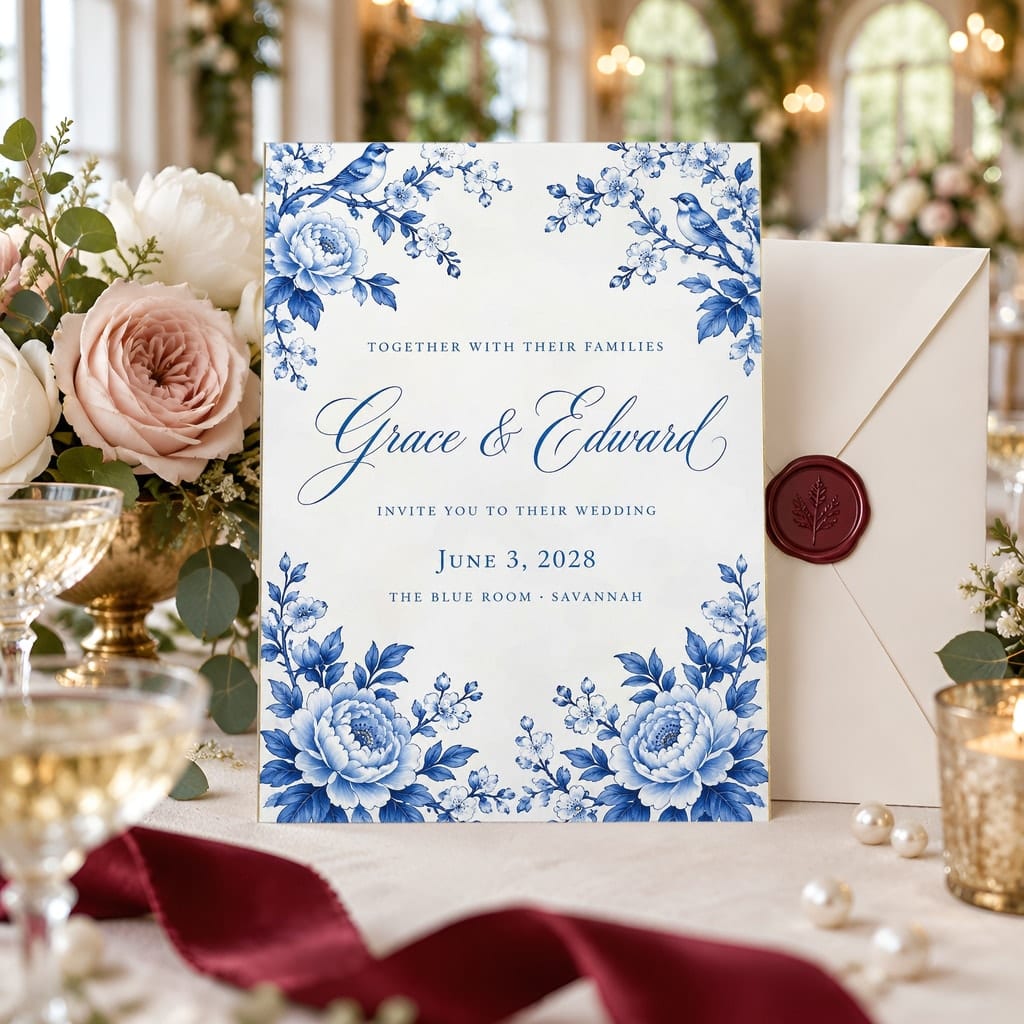
Wedding Invitation Mockup Bundle — 20 Vertical 5x7 Luxury PSD Mockups
Present your wedding invitation artwork in elegant scenes featuring details such as florals, envelopes, wax seals and velvet. Each layered PSD includes a Smart Object for adding your vertical, flat 5x7 design.
$3.00
USD · one-time
25% launch sale — price shown is the sale price
Buy now — instant downloadSecure checkout by Fungies. The checkout shows our company name, Your Brand Assistant LLC, which owns Ratio Ready. The download link and your claim code are emailed as soon as payment clears.
- 20 layered PSD templates with smart objects
- JPG preview of every scene
- Opens in Photoshop or free Photopea
- Commercial use for your own listings
Try it with your art
See your own design in three scenes from this pack before you buy anything.
Pack at a glance
Showcase vertical 5x7 wedding invitations in 20 luxury-style PSD mockups with Smart Objects and JPG previews.
| Templates | 20 layered PSD files, one smart object per frame |
|---|---|
| Previews | A JPG preview of every scene |
| Works with | Adobe Photoshop and Photopea (free, in the browser) |
| Scenes | AI-generated room scenes, built into editable templates by Ratio Ready |
| Delivery | Instant download link by email after payment |
| Licence | Commercial use of finished mockups for your own listings |
| Price | $3.00 USD, one-time |
Last updated · Made by Ratio Ready, owned by Your Brand Assistant LLC.
Every scene in the pack
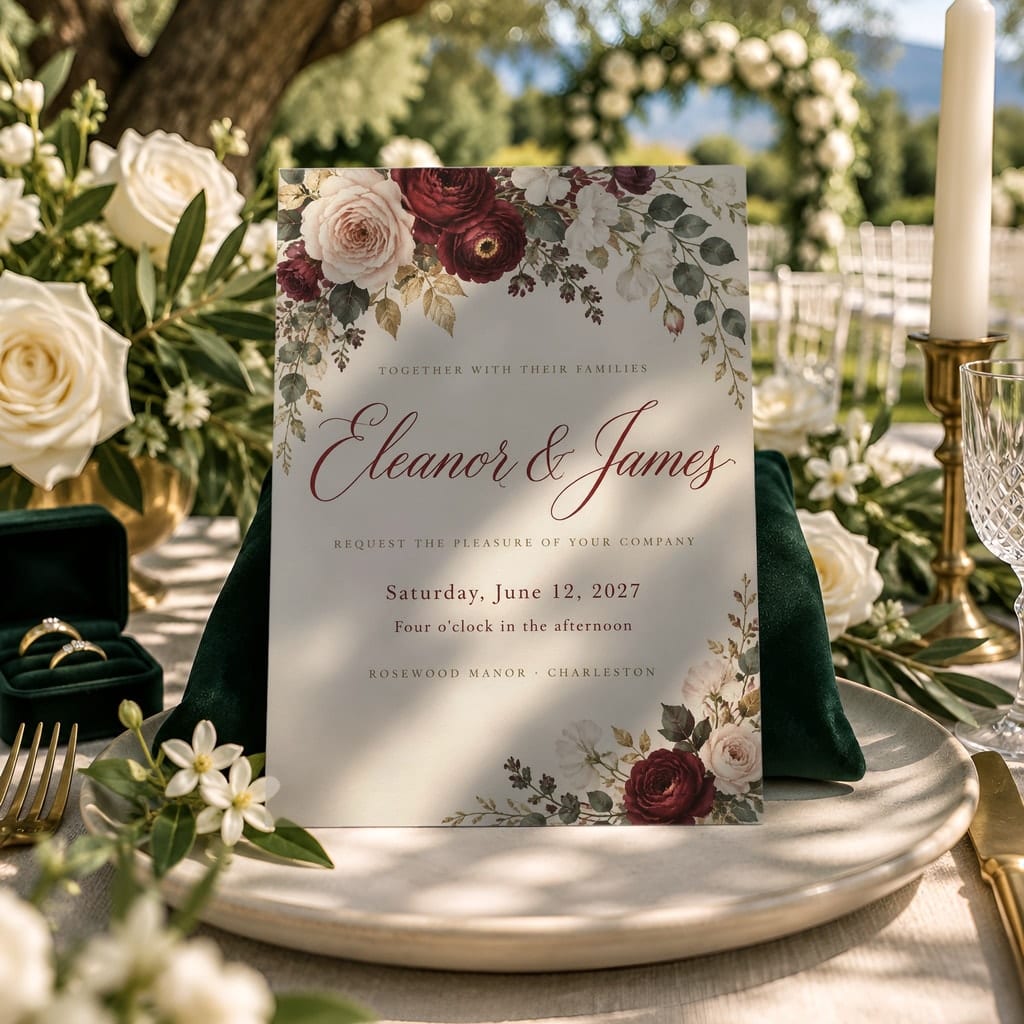
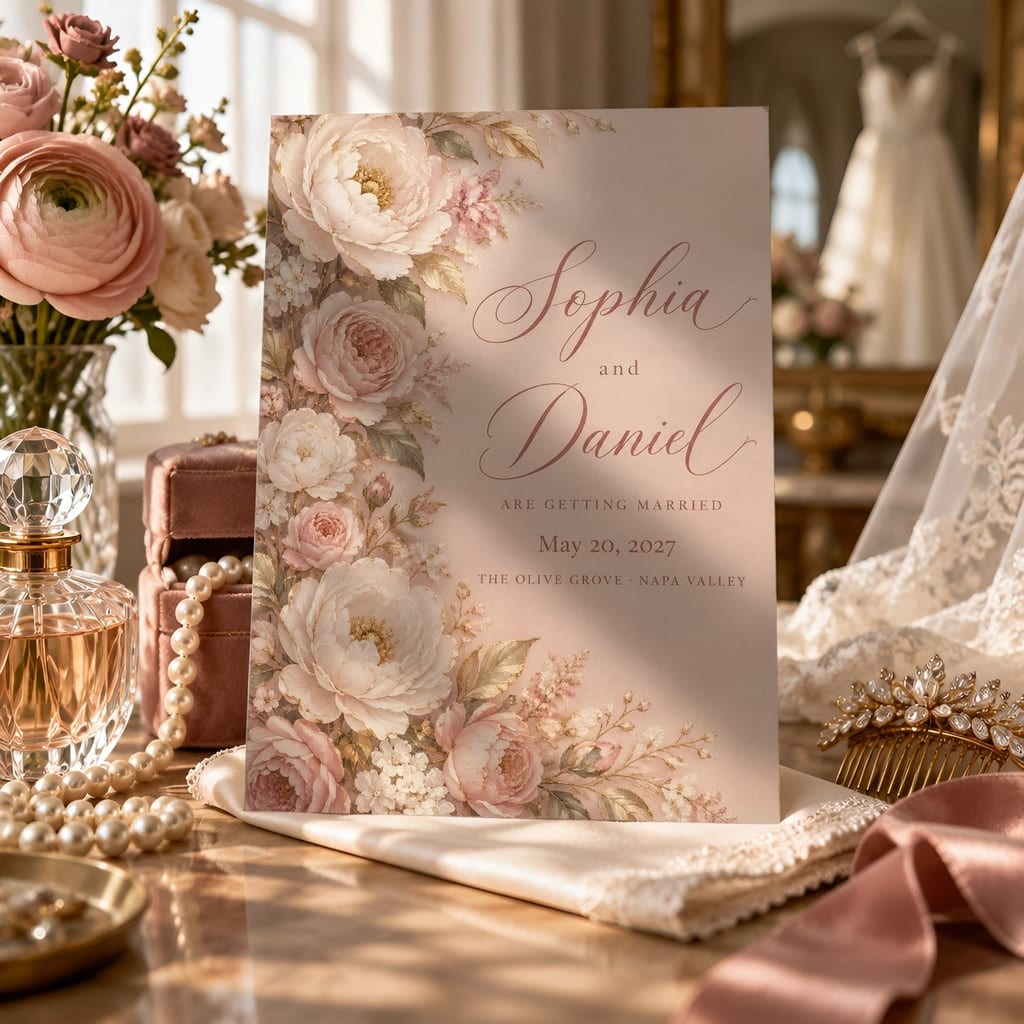
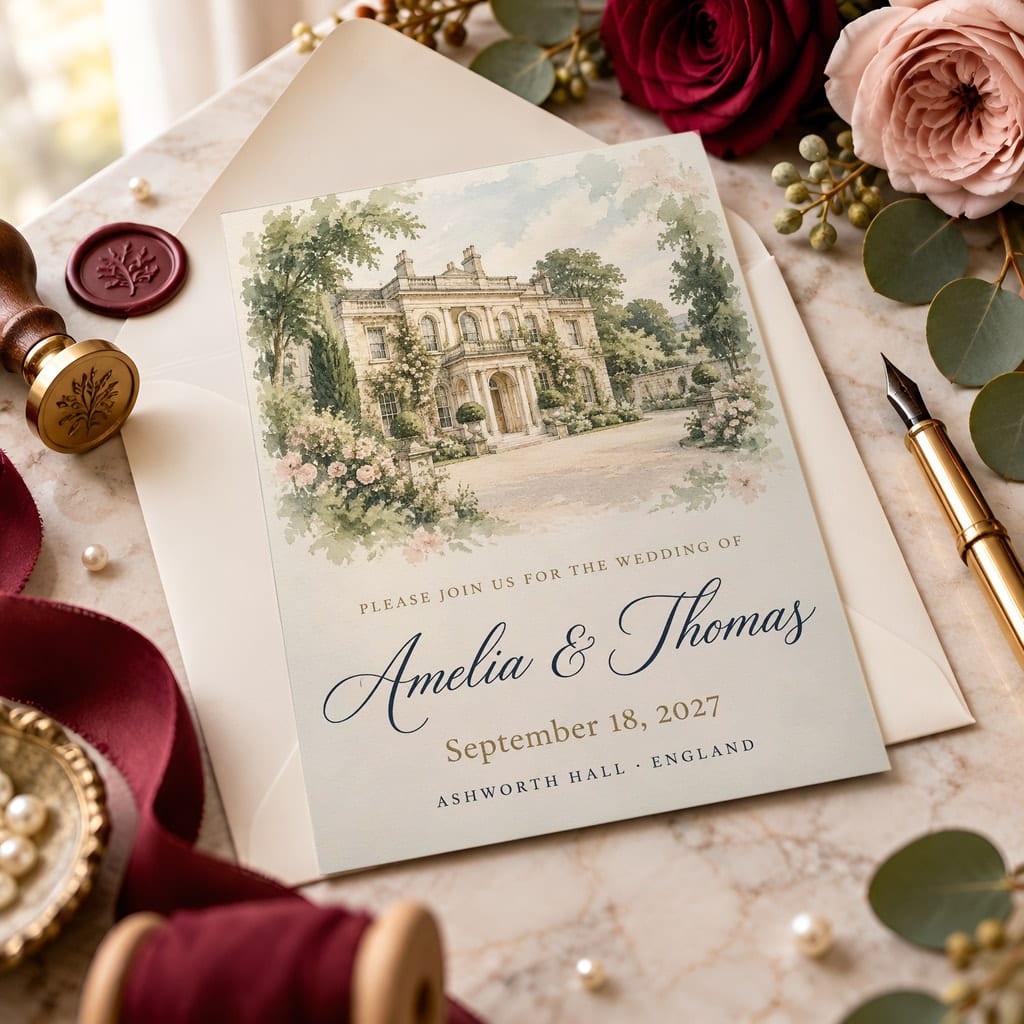
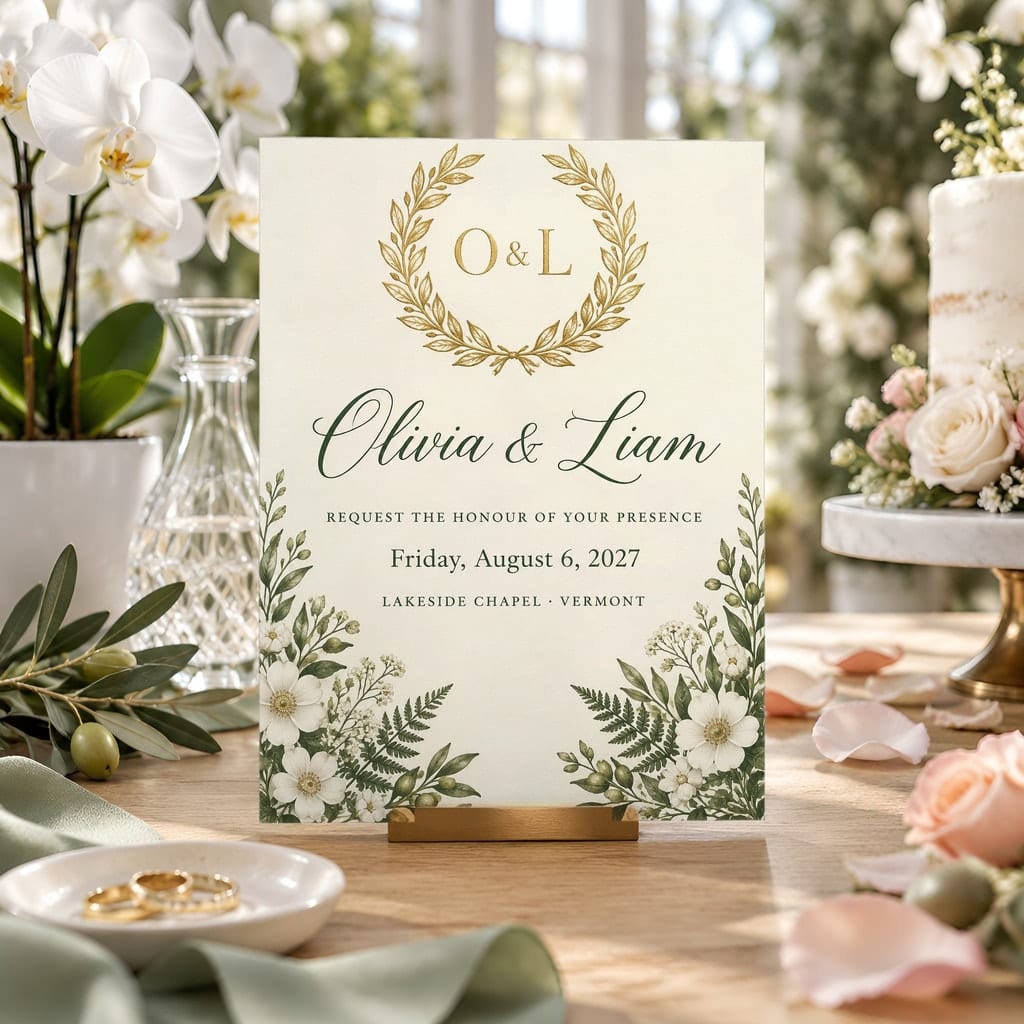
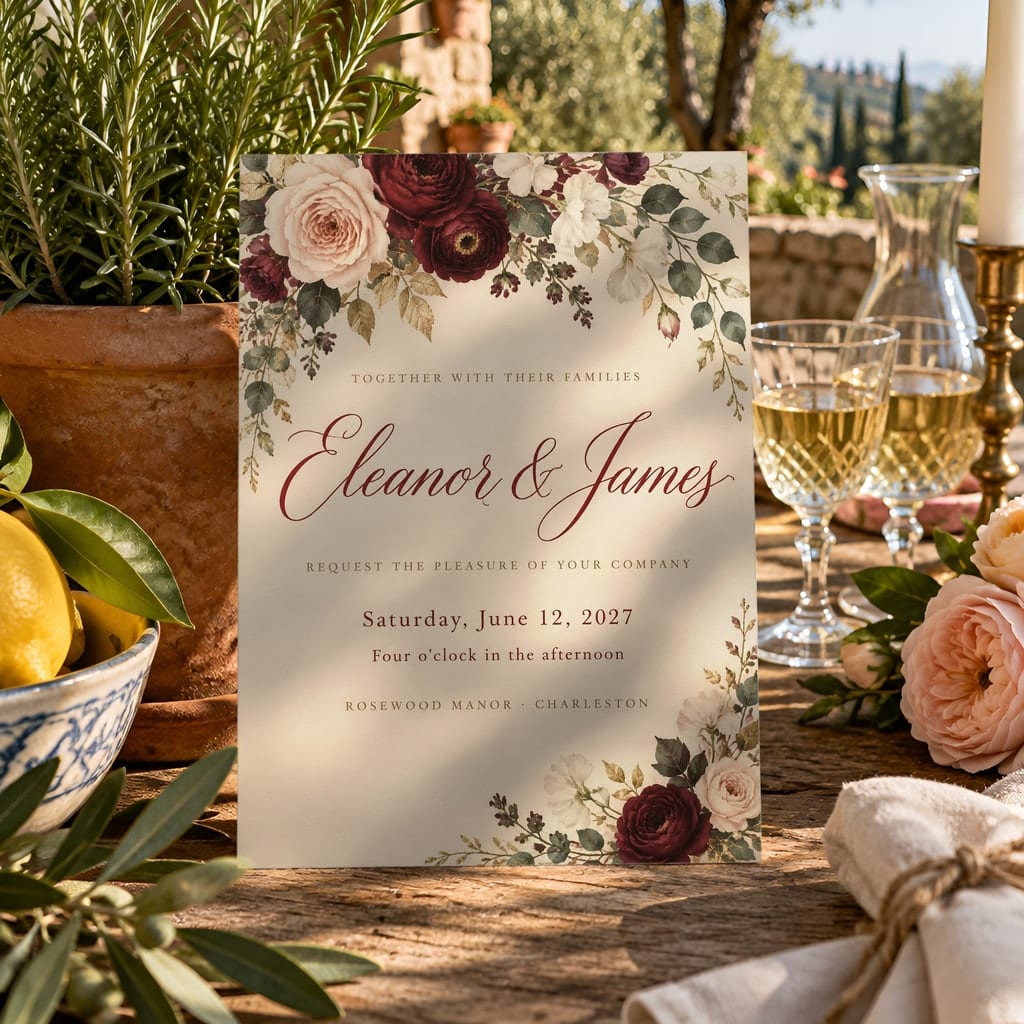
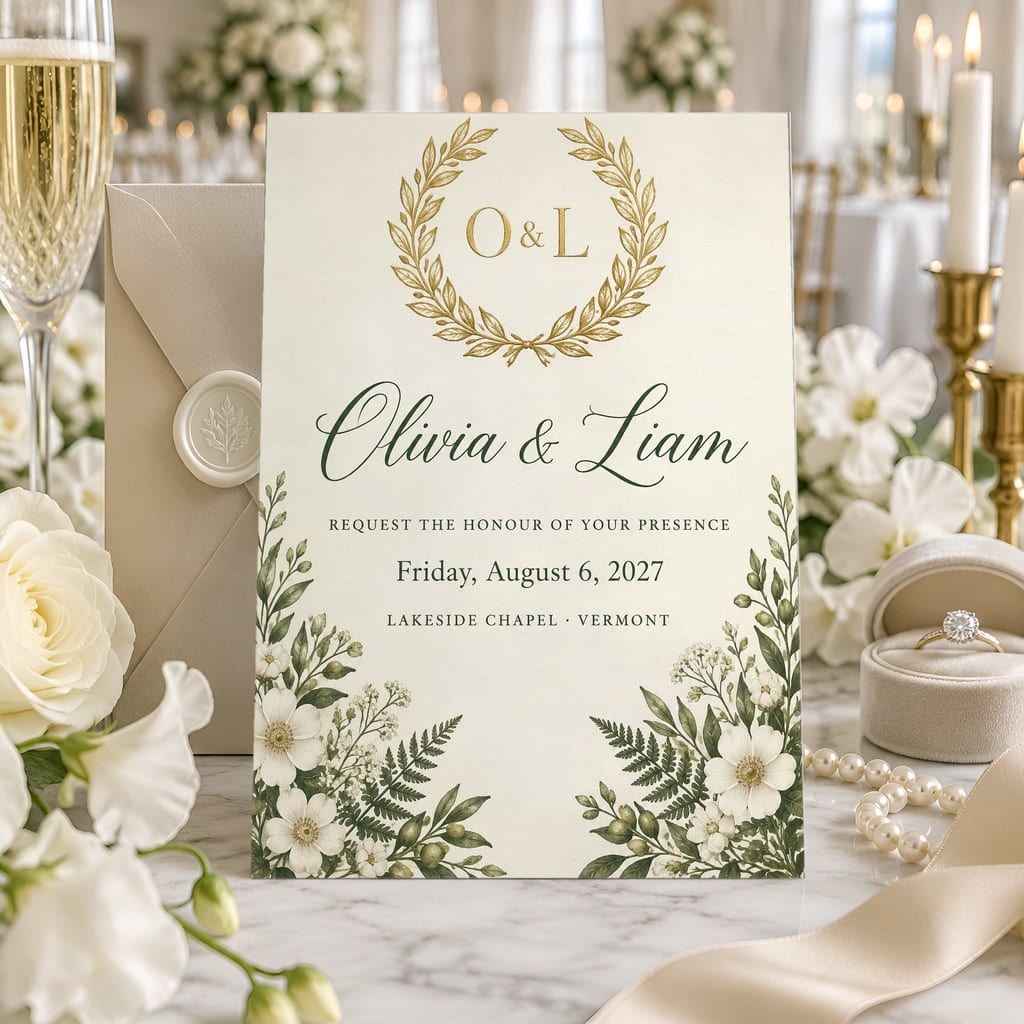
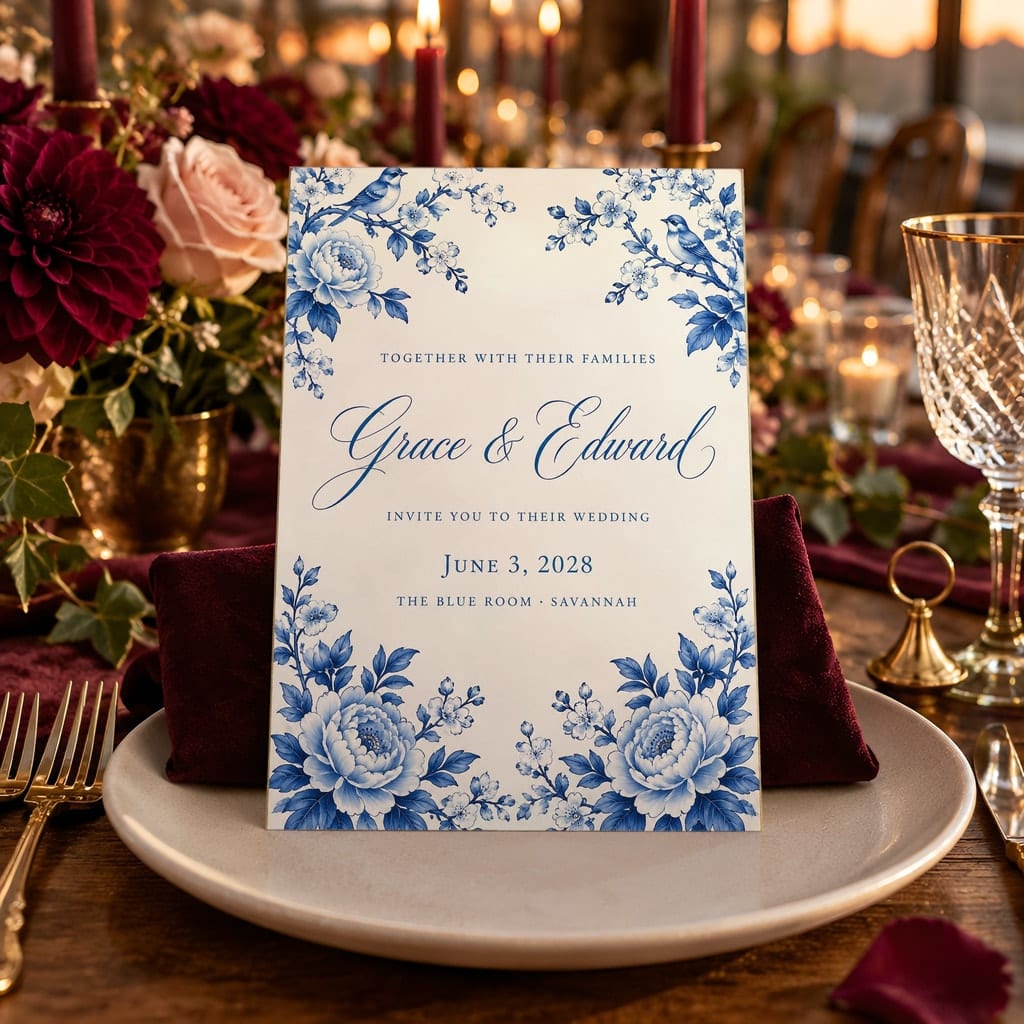
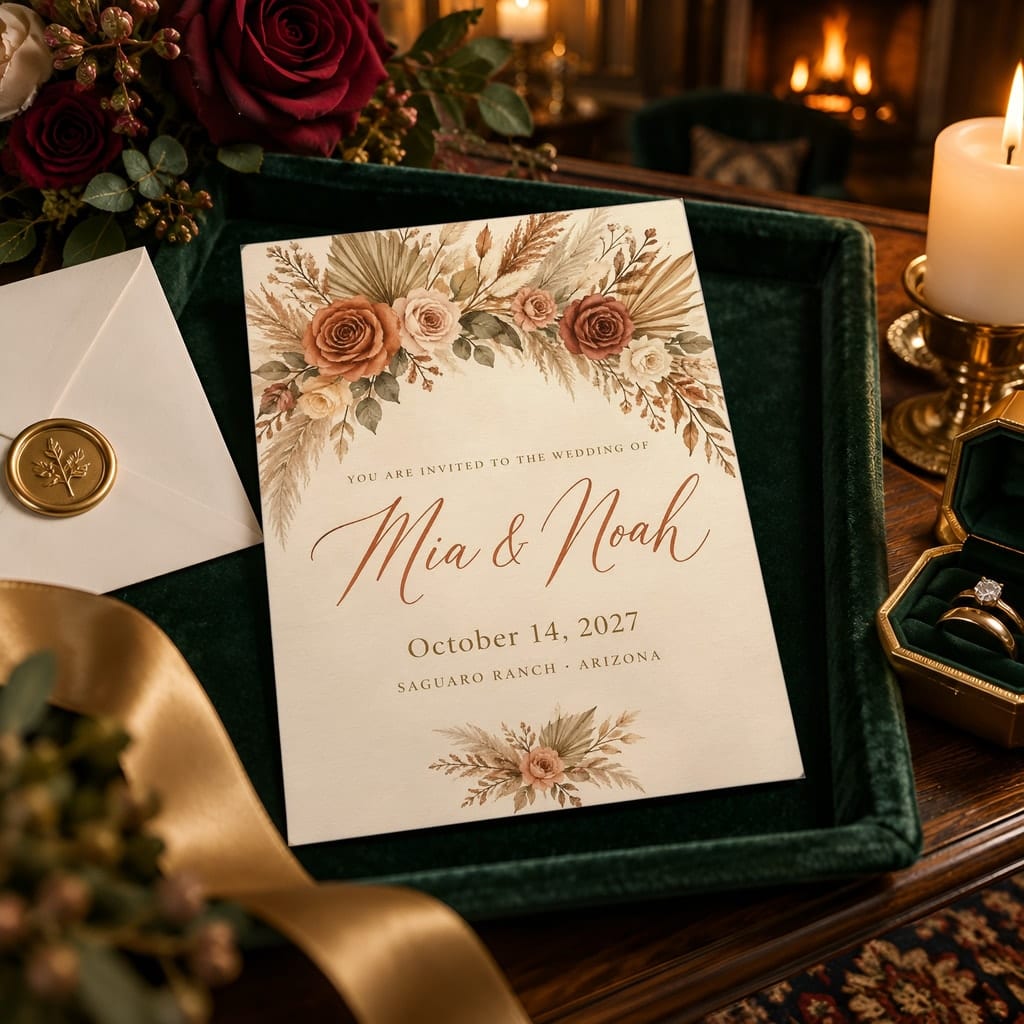
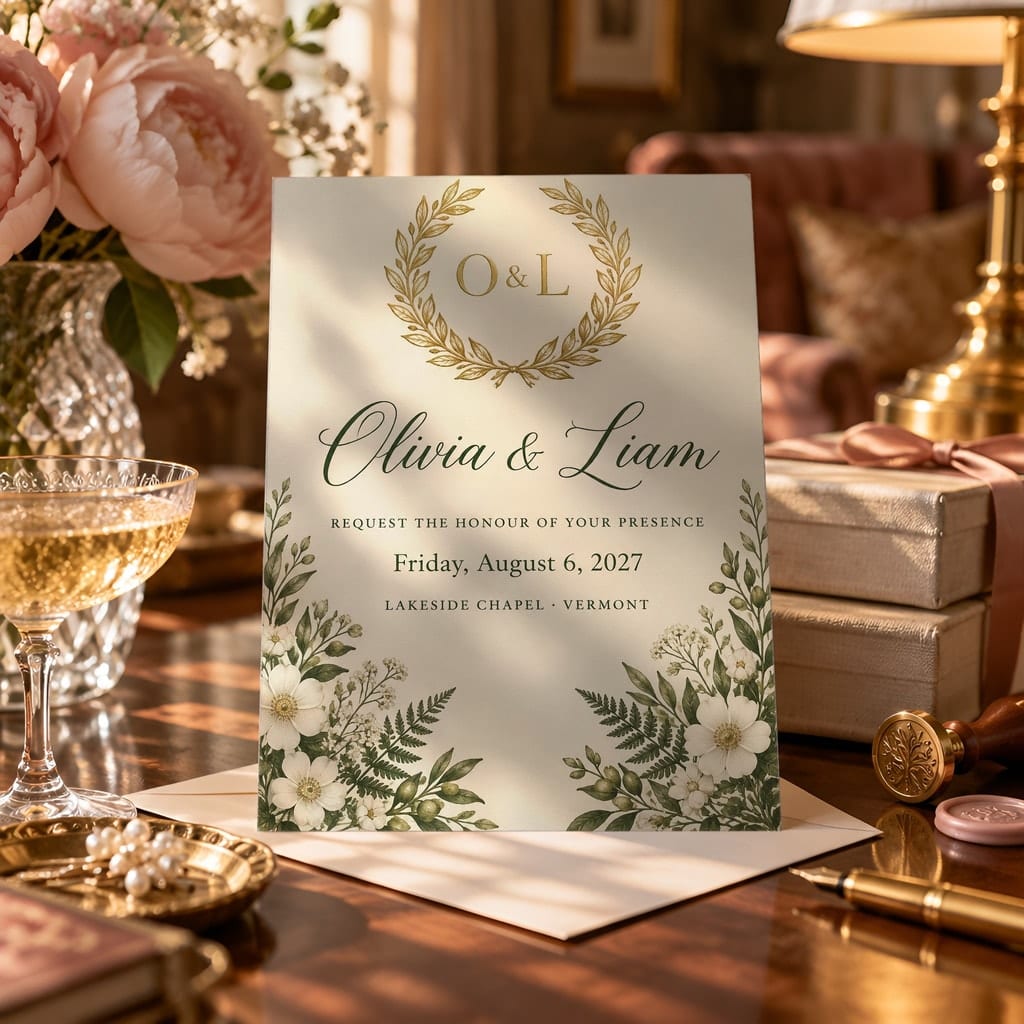
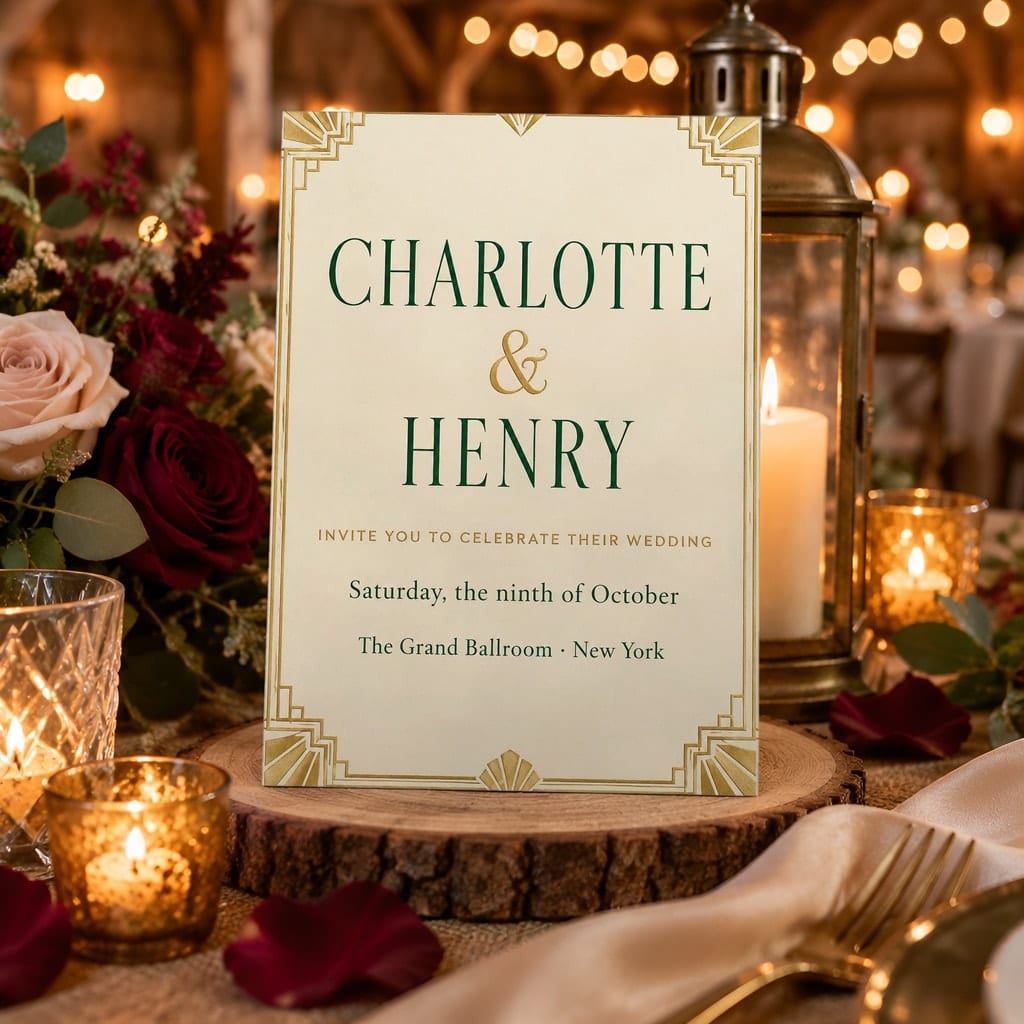
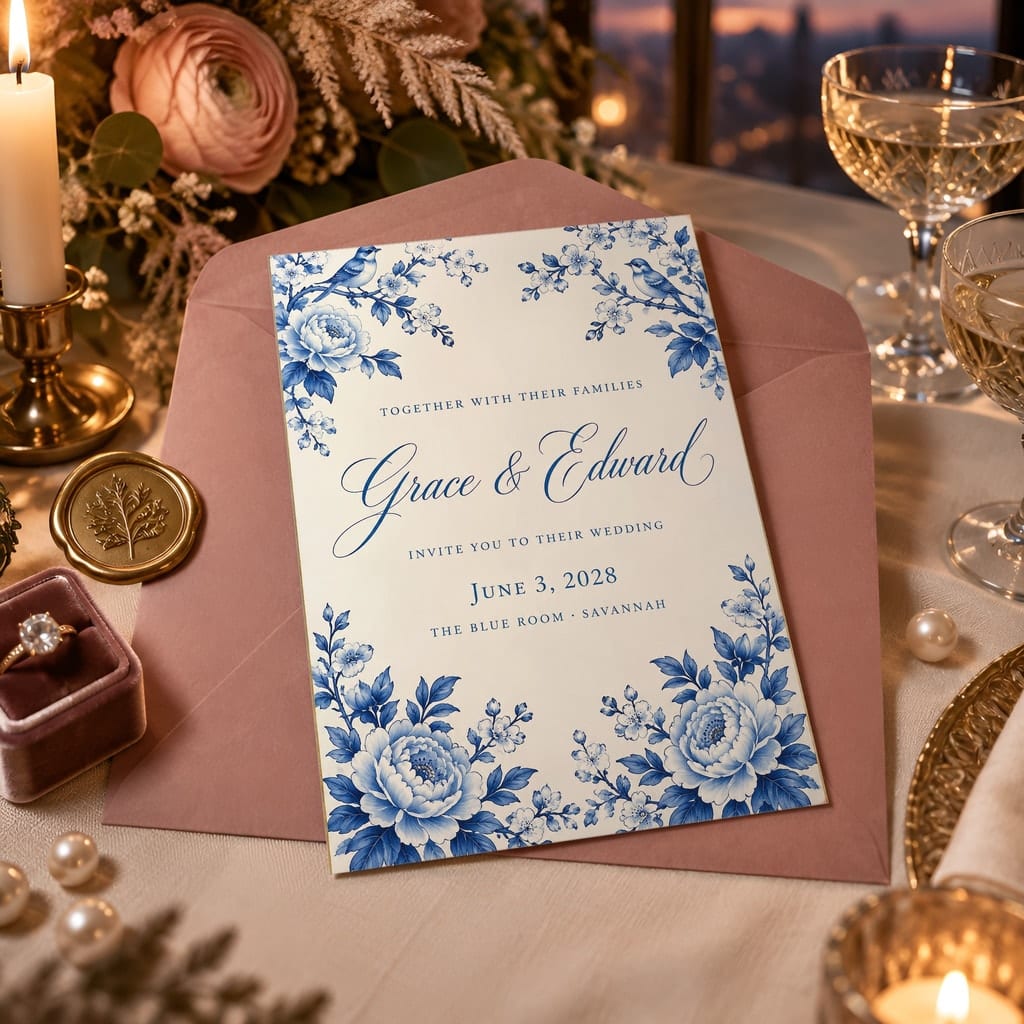
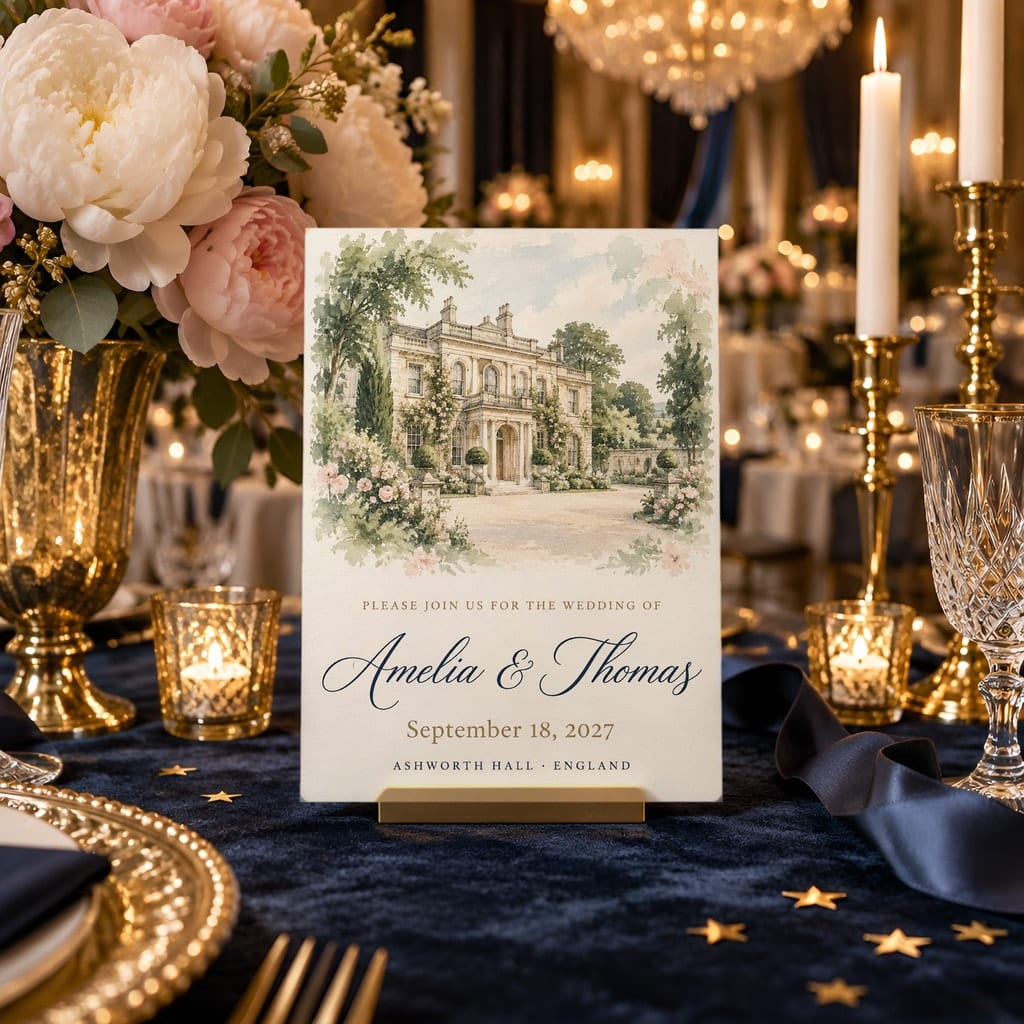
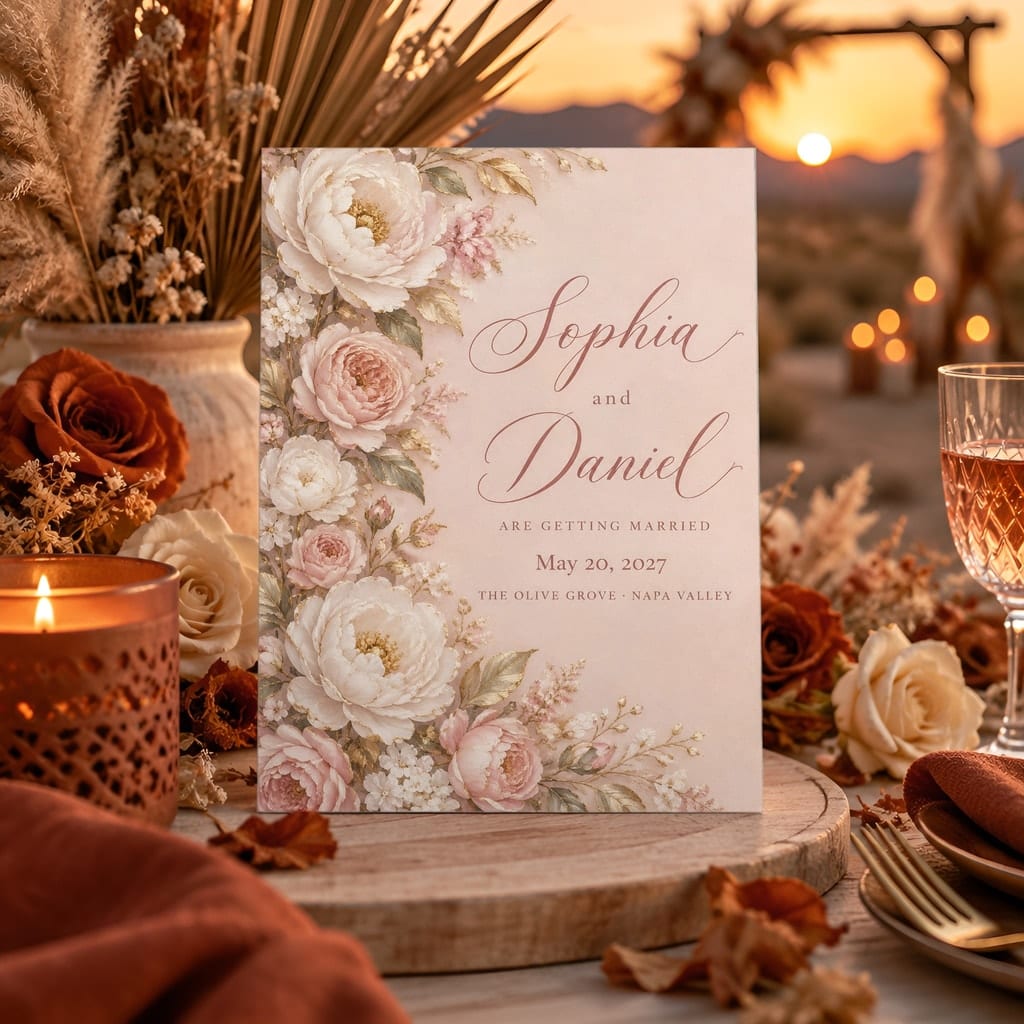
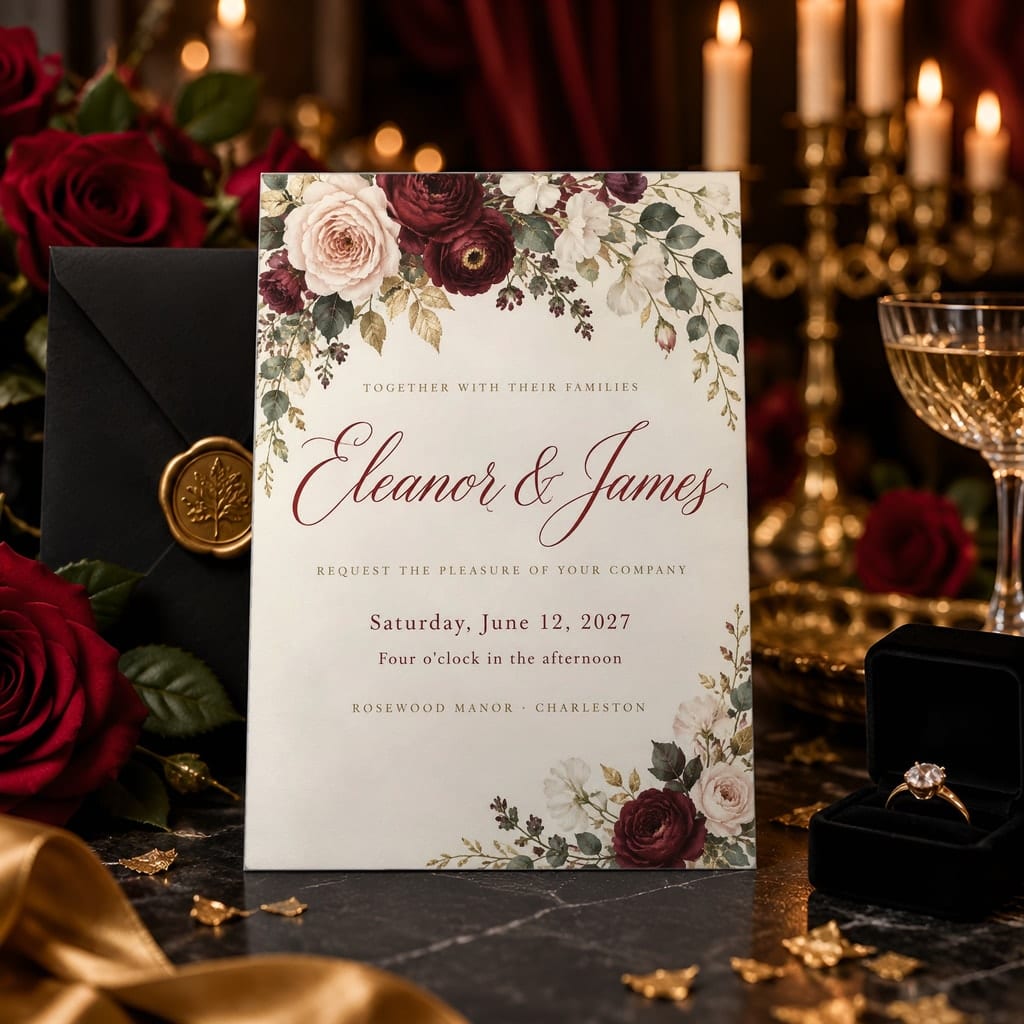
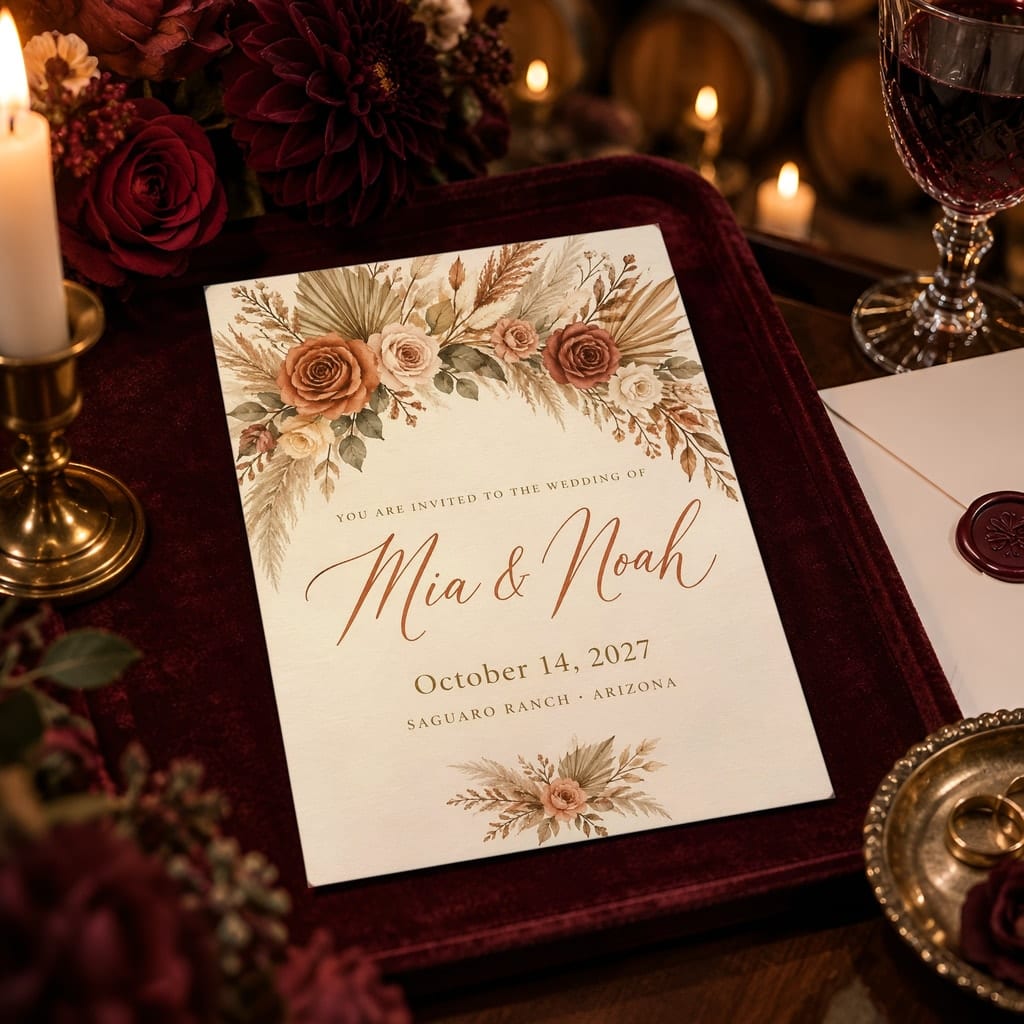
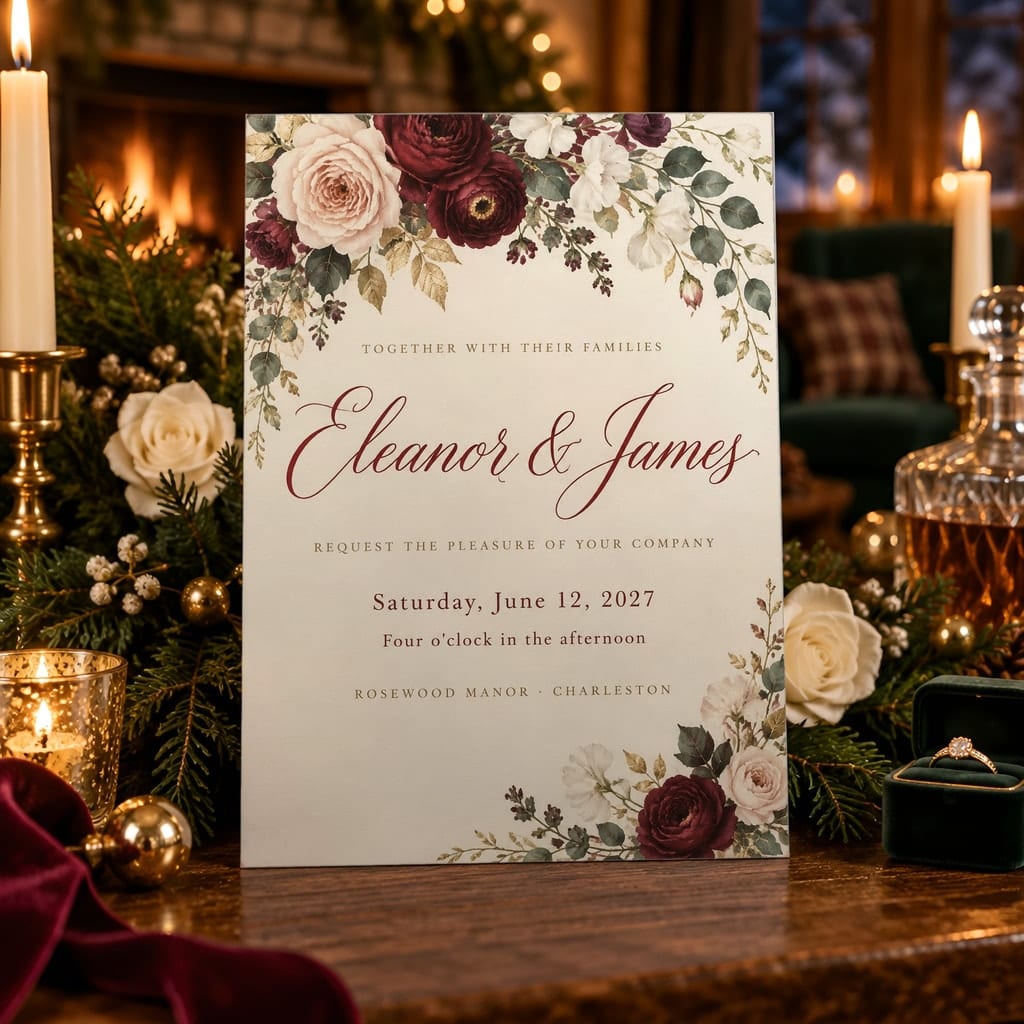
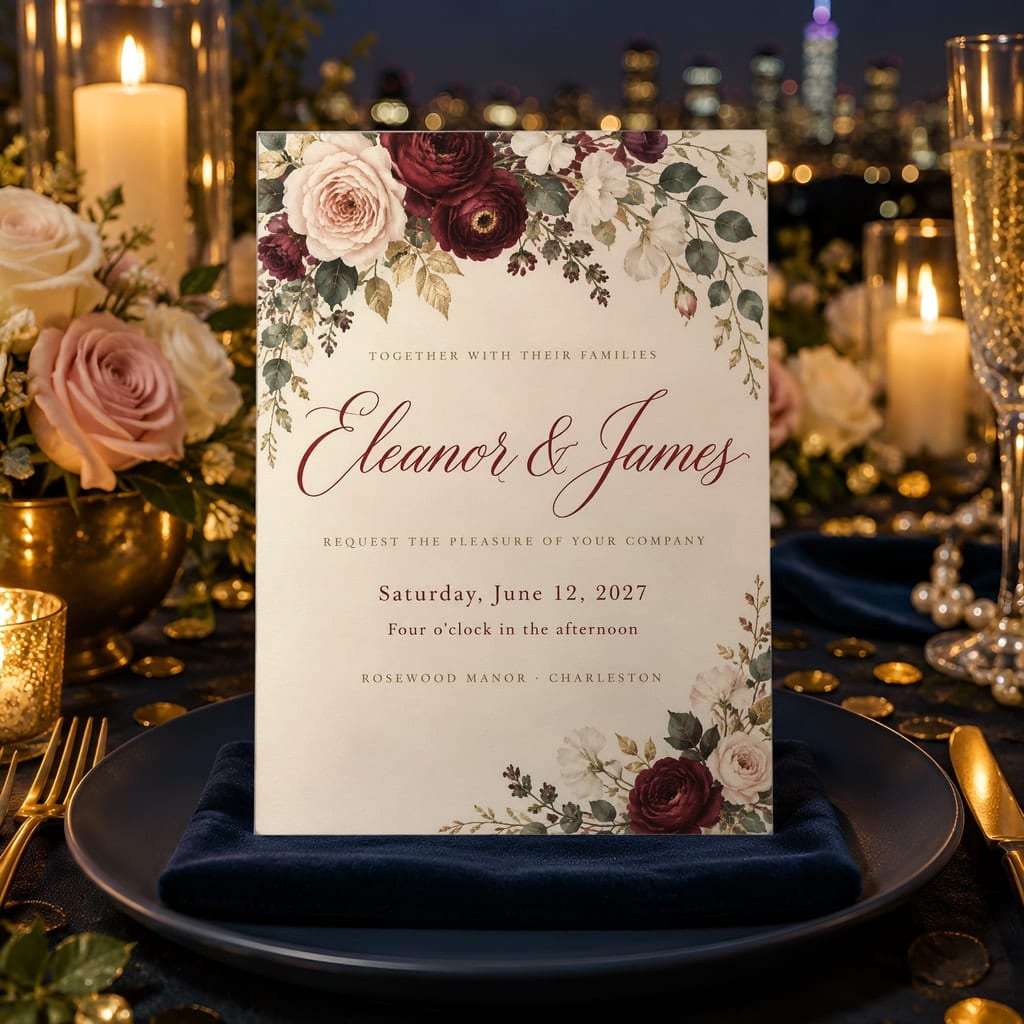
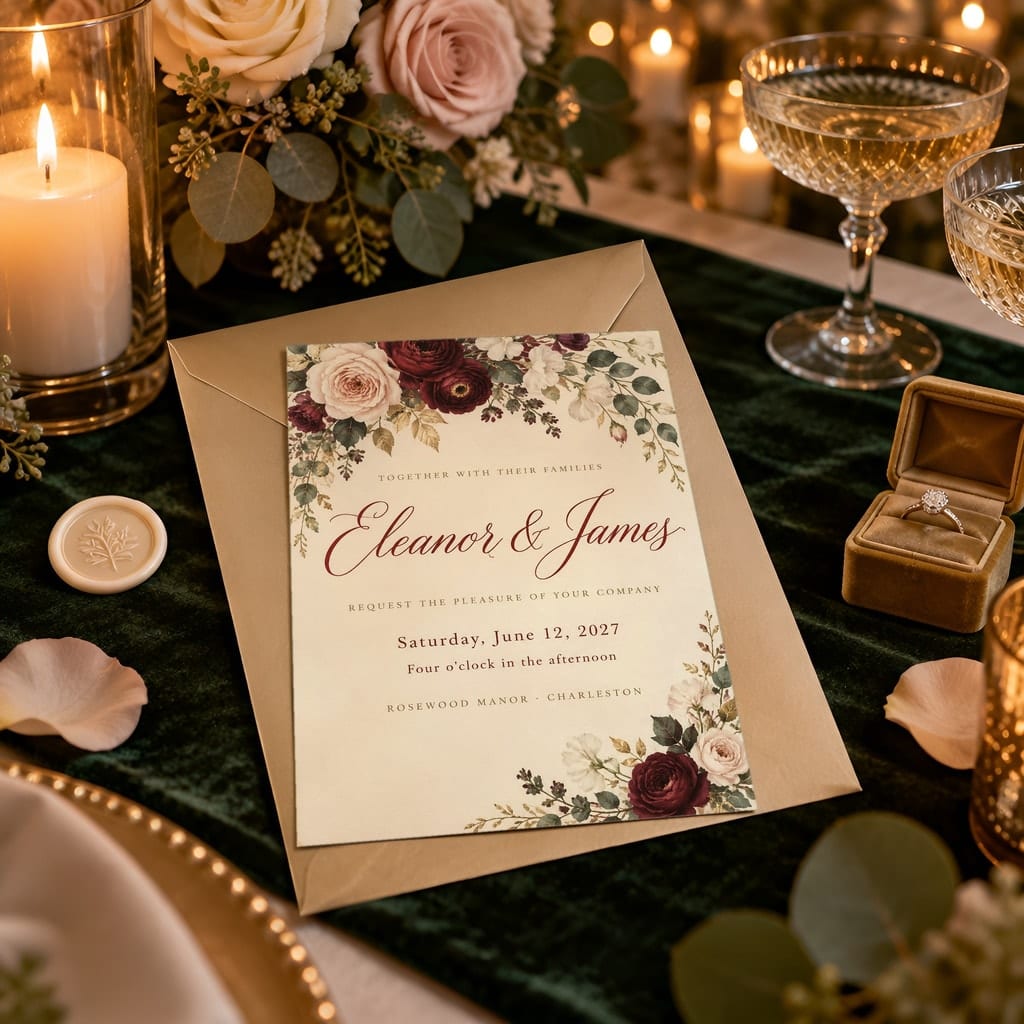
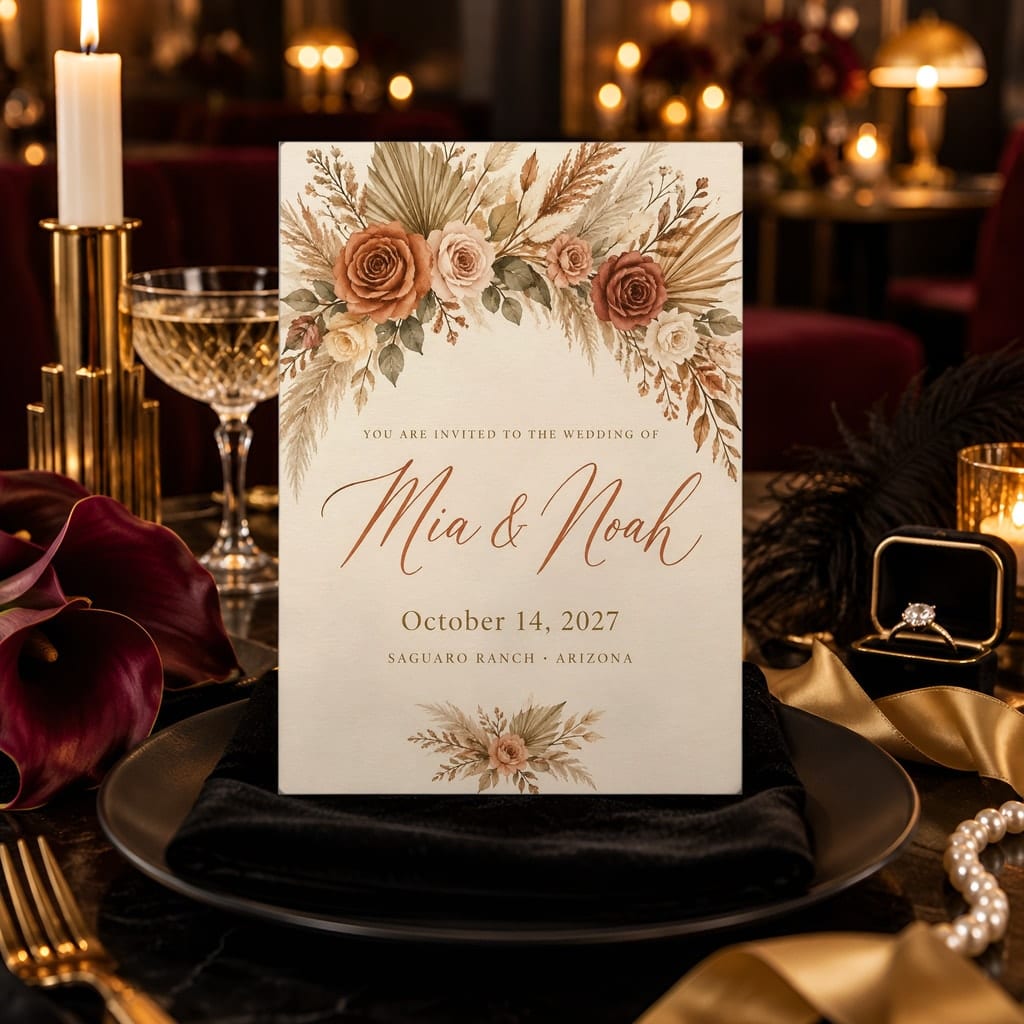
Scenes are shown with sample artwork. Your design replaces it in the smart object. Room scenes are AI-generated and built into editable PSD templates by Ratio Ready.
What you get
- 20 layered PSD files with artwork Smart Objects
- JPG previews included
- Designed for vertical, flat 5x7 invitations
- Five scenes place the invitation on an envelope or velvet tray
Who it is for
Made for wedding stationery sellers, Etsy shops and digital creators who need invitation listing images. Suits luxury and formal designs, including artwork with floral or classic details.
How to use it
- Open a PSD in Photoshop or Photopea.
- Double-click the smart object layer and place your artwork.
- Save, close the smart object, and export the scene as a JPG.
Prefer not to edit PSDs? Claim the pack in Ratio Ready with the code in your email and every scene is rendered for you.
Questions about this pack
Delivery, licence and Photopea questions are answered on the mockup packs page.
More greeting cards packs
View all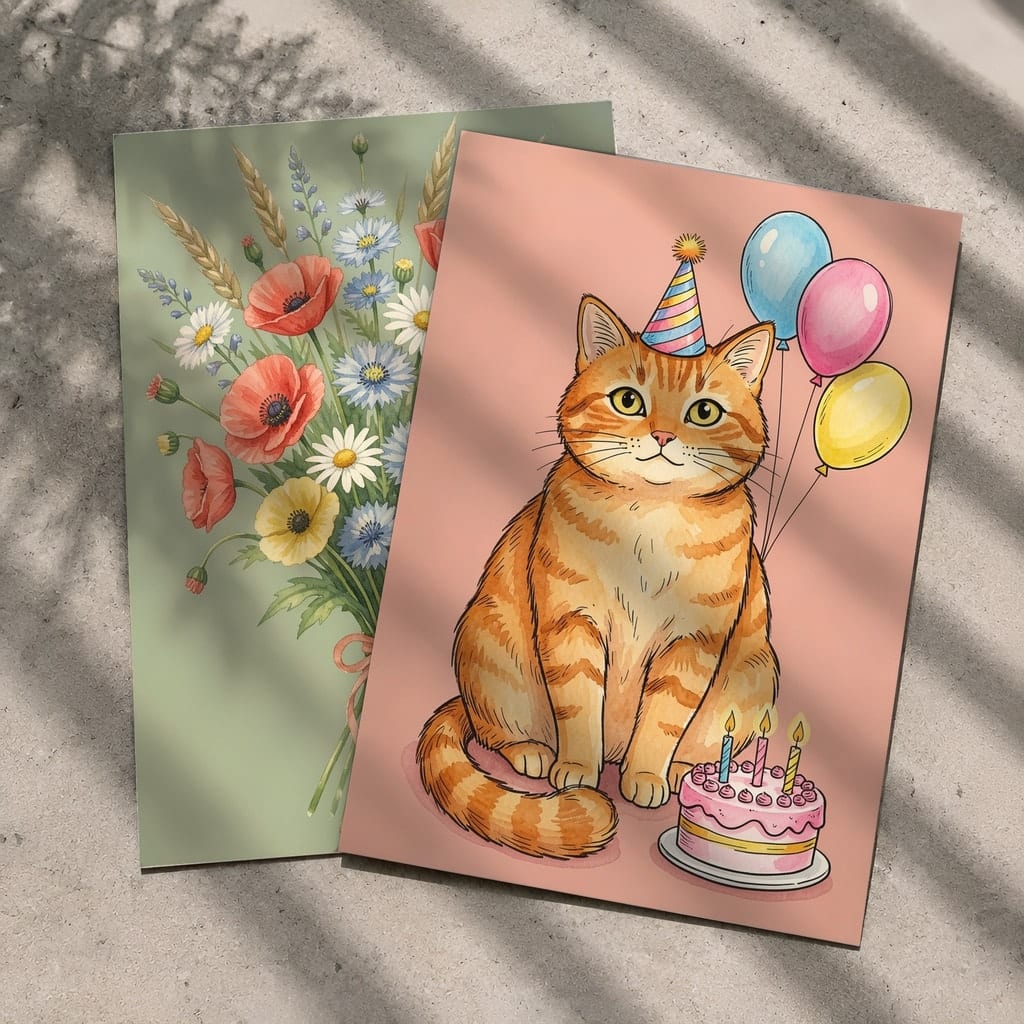
Flat Lay Card Mockup, Set of Two, Invitation Postcard 5x7 — 20 PSD Mockups
20 PSD templates
$2.63 Was $3.5025% off
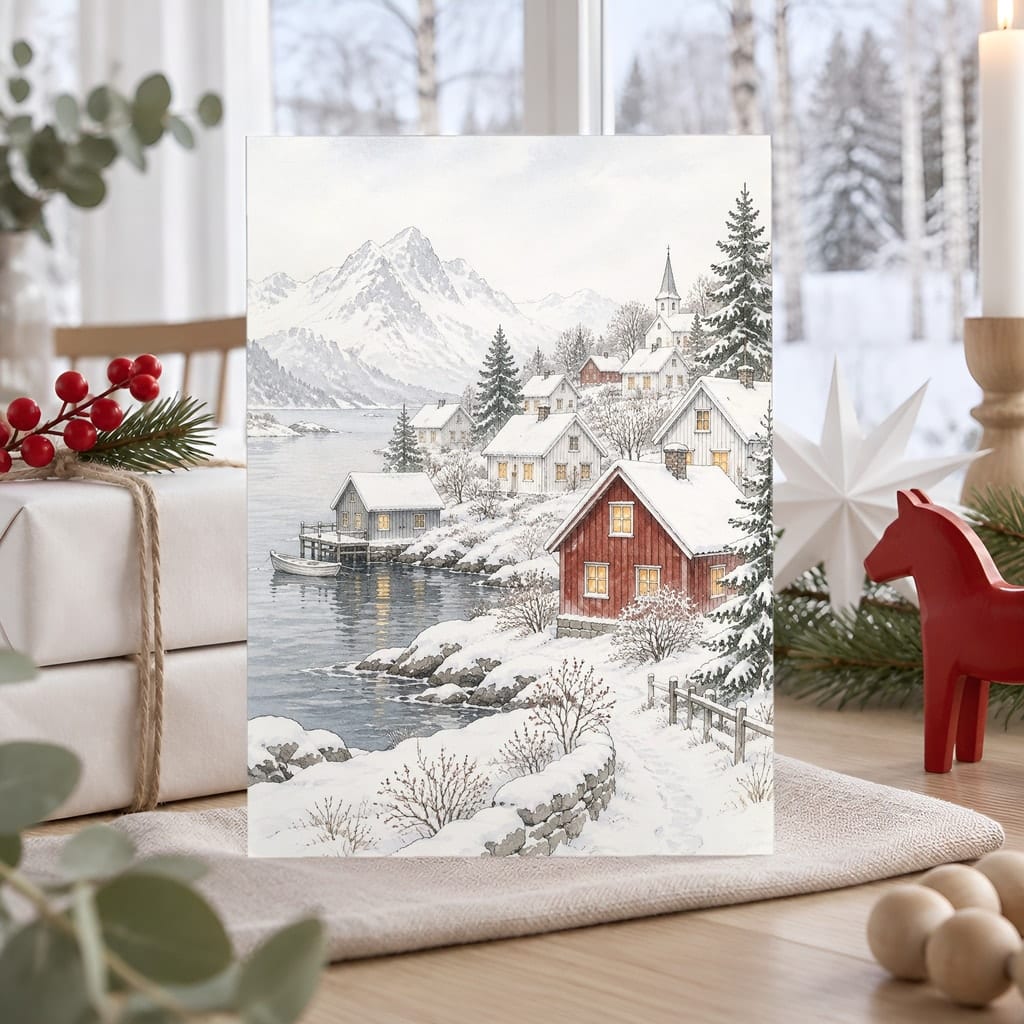
Christmas Card Mockup Bundle — 20 Scandinavian Minimal 5x7 Greeting Card PSD Mockups
20 PSD templates
$3.00 Was $4.0025% off
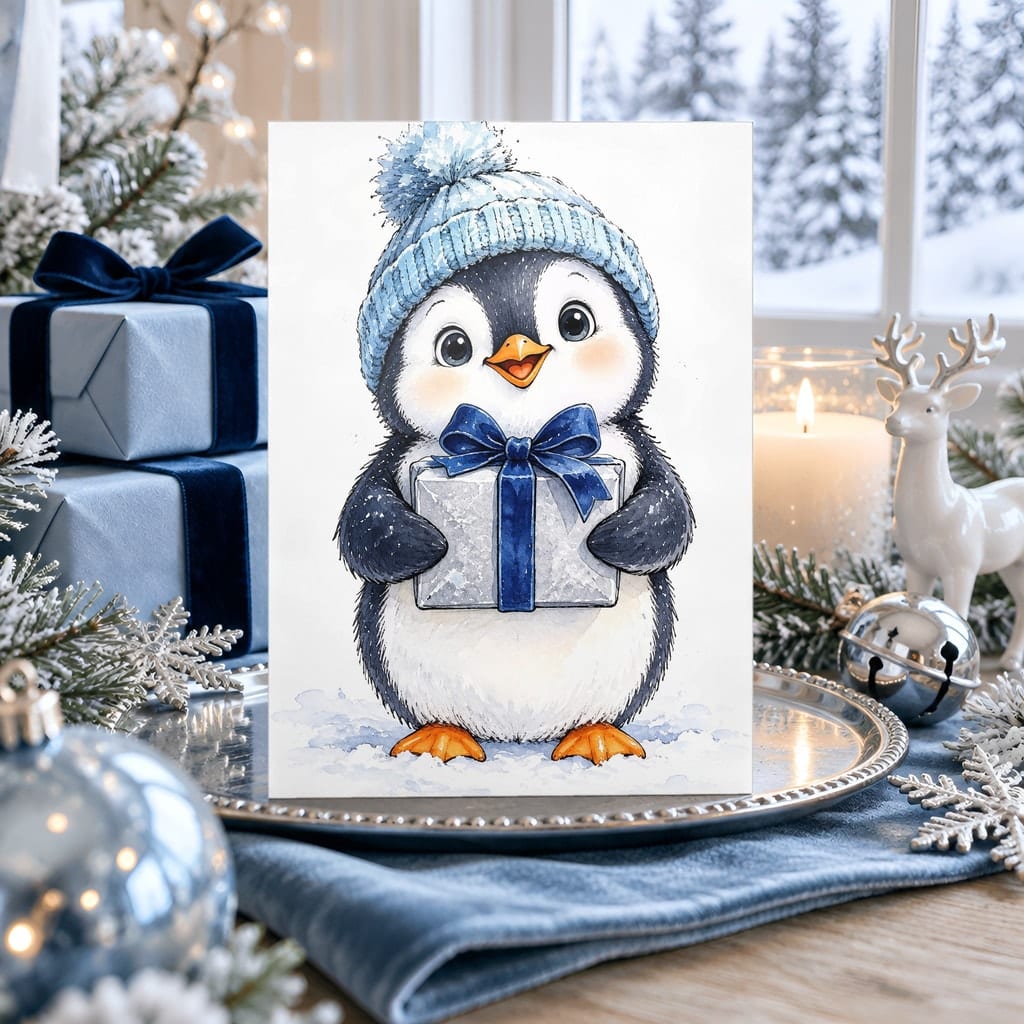
Christmas Card Mockup Bundle — 20 Icy Blue and Silver 5x7 Greeting Card PSD Mockups
20 PSD templates
$3.00 Was $4.0025% off